Home Tab

Today's baby status at a glance — dashboard home

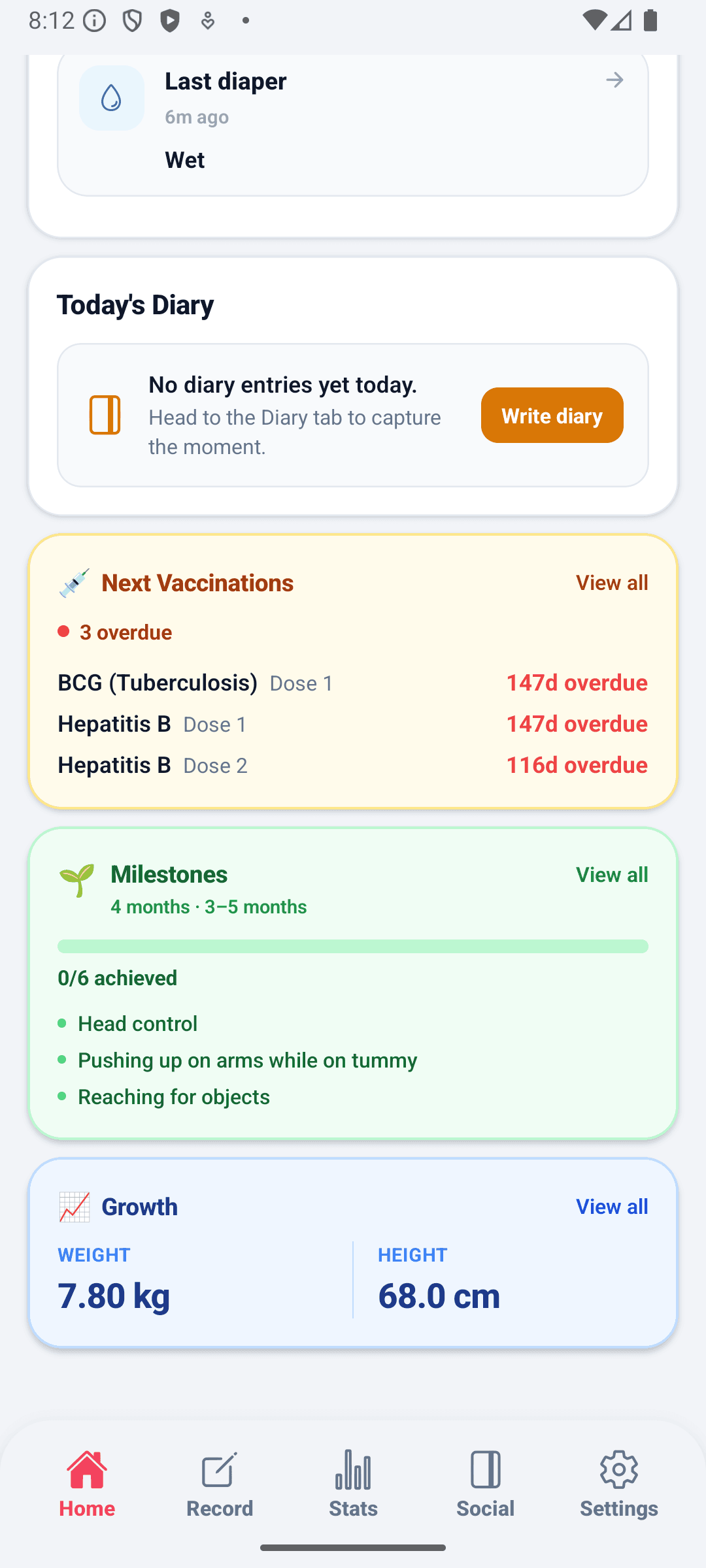
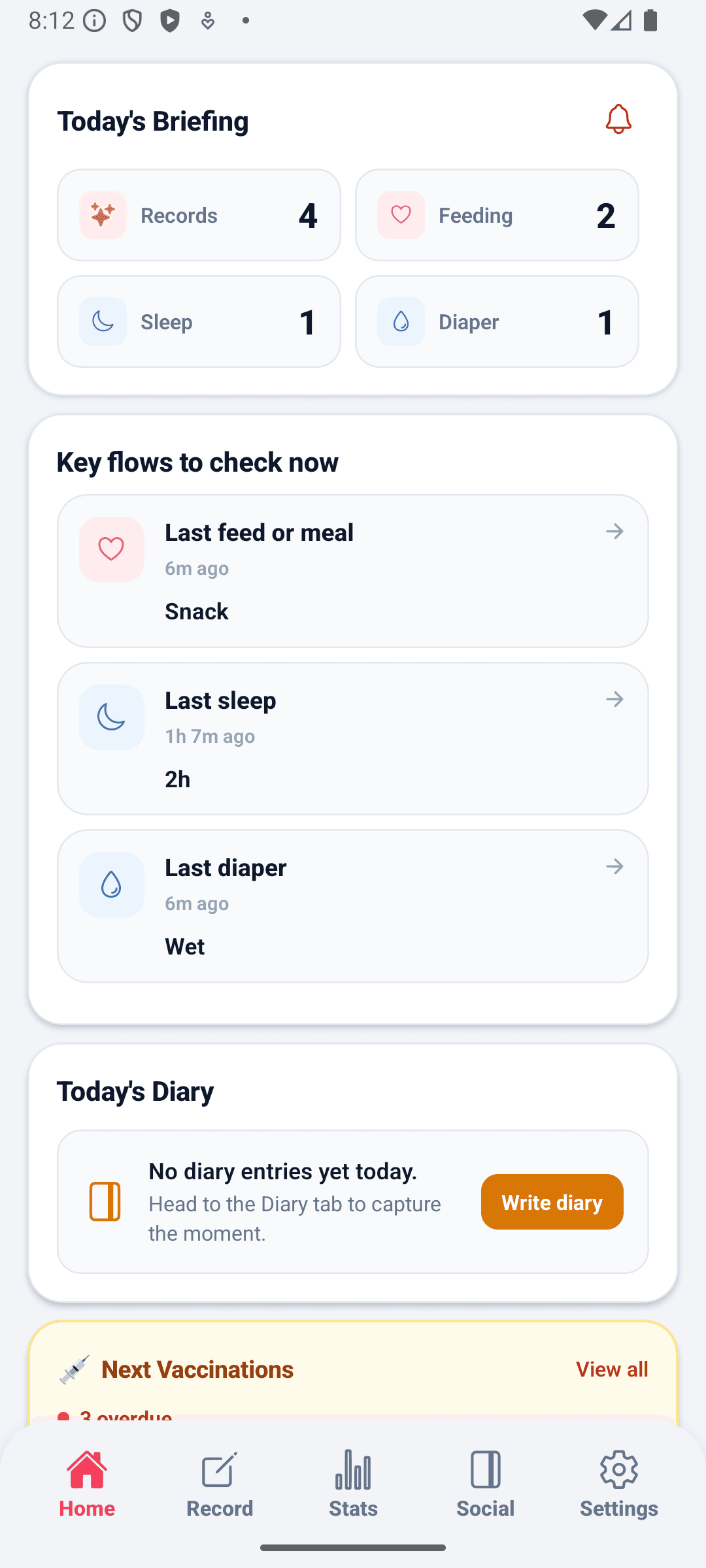
Open the app and see today's feeding, sleep, and diaper summary, active timers, vaccination countdowns, and growth widgets together.

Separate today counts for feeding, sleep, and diaper changes so the first read is instant.

Check the records and care flow that need attention right from Home.

Active timers surface on Home and link directly to the record screen for follow-up.

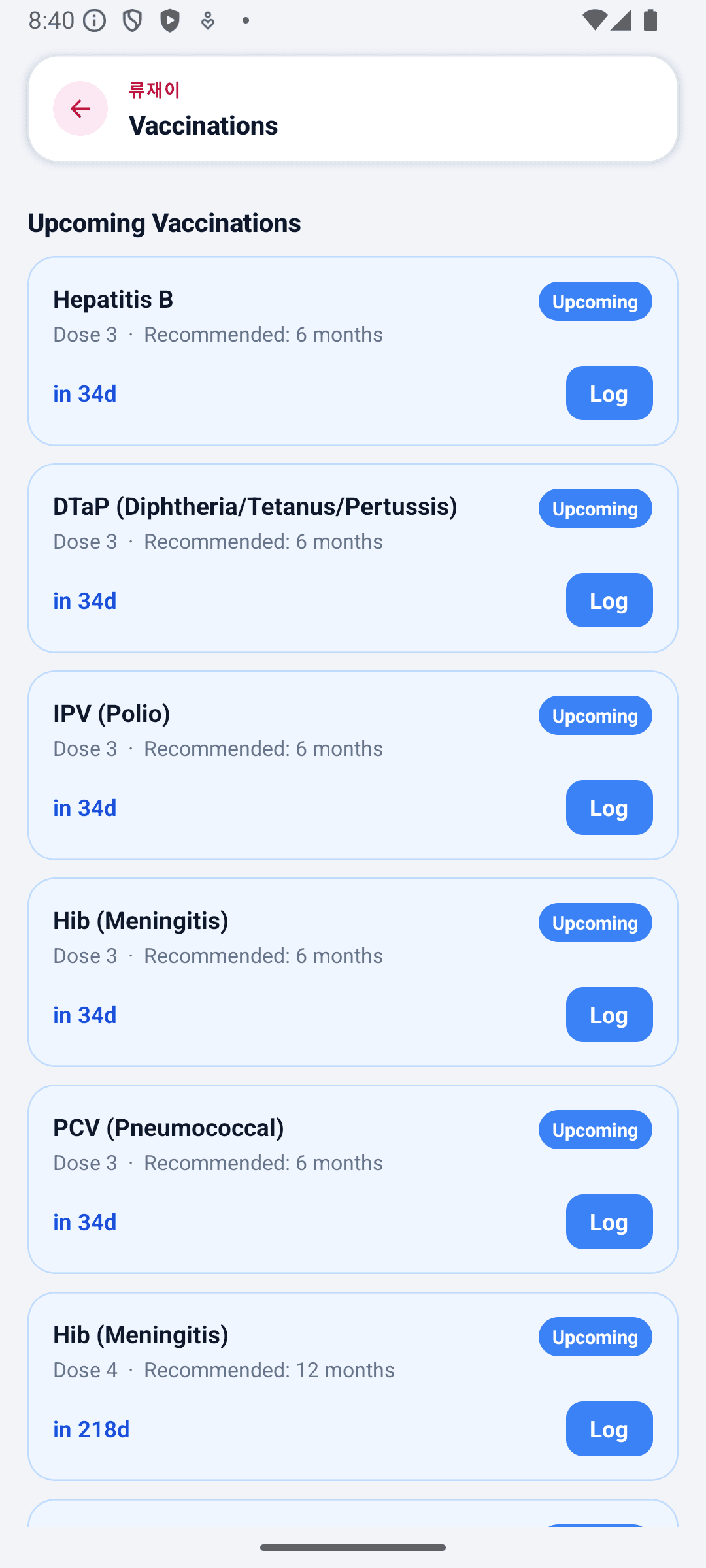
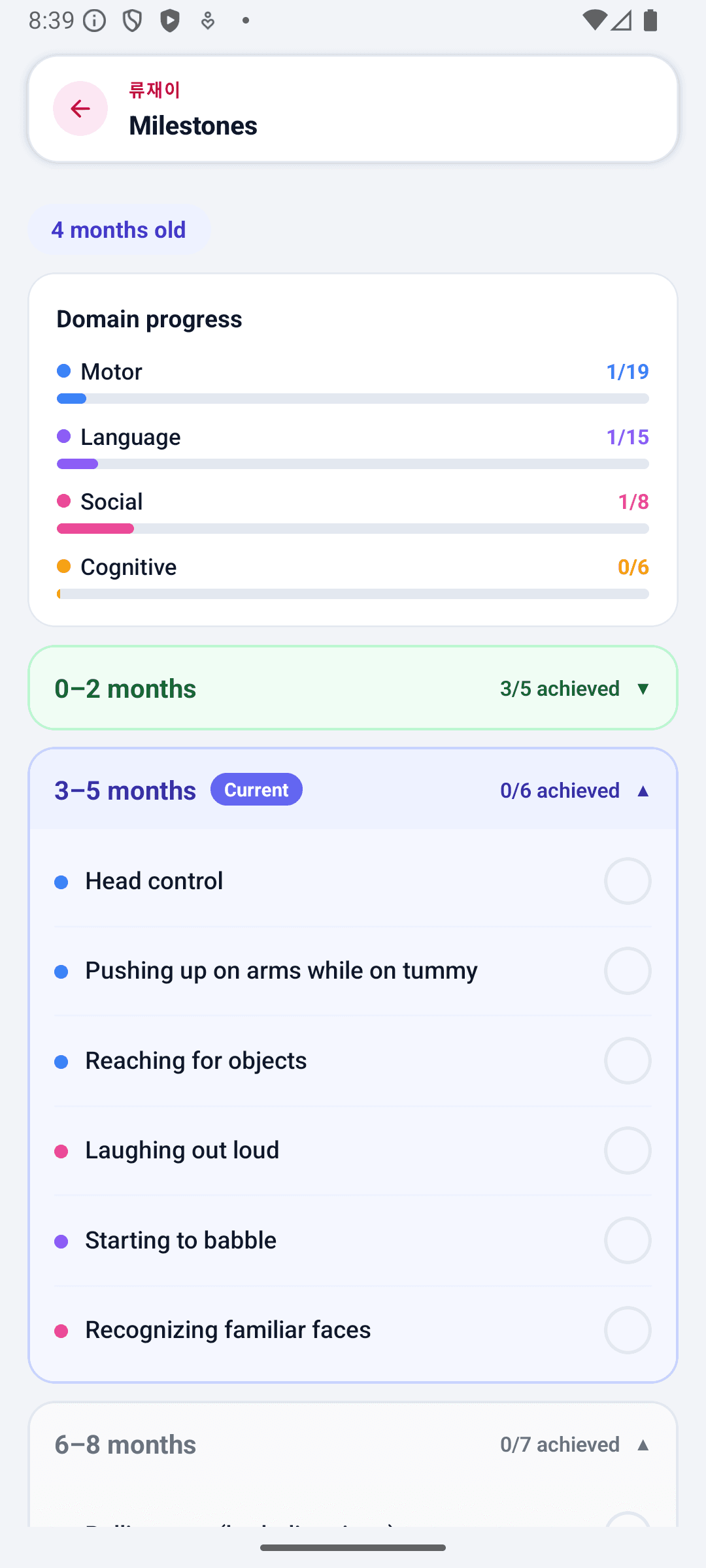
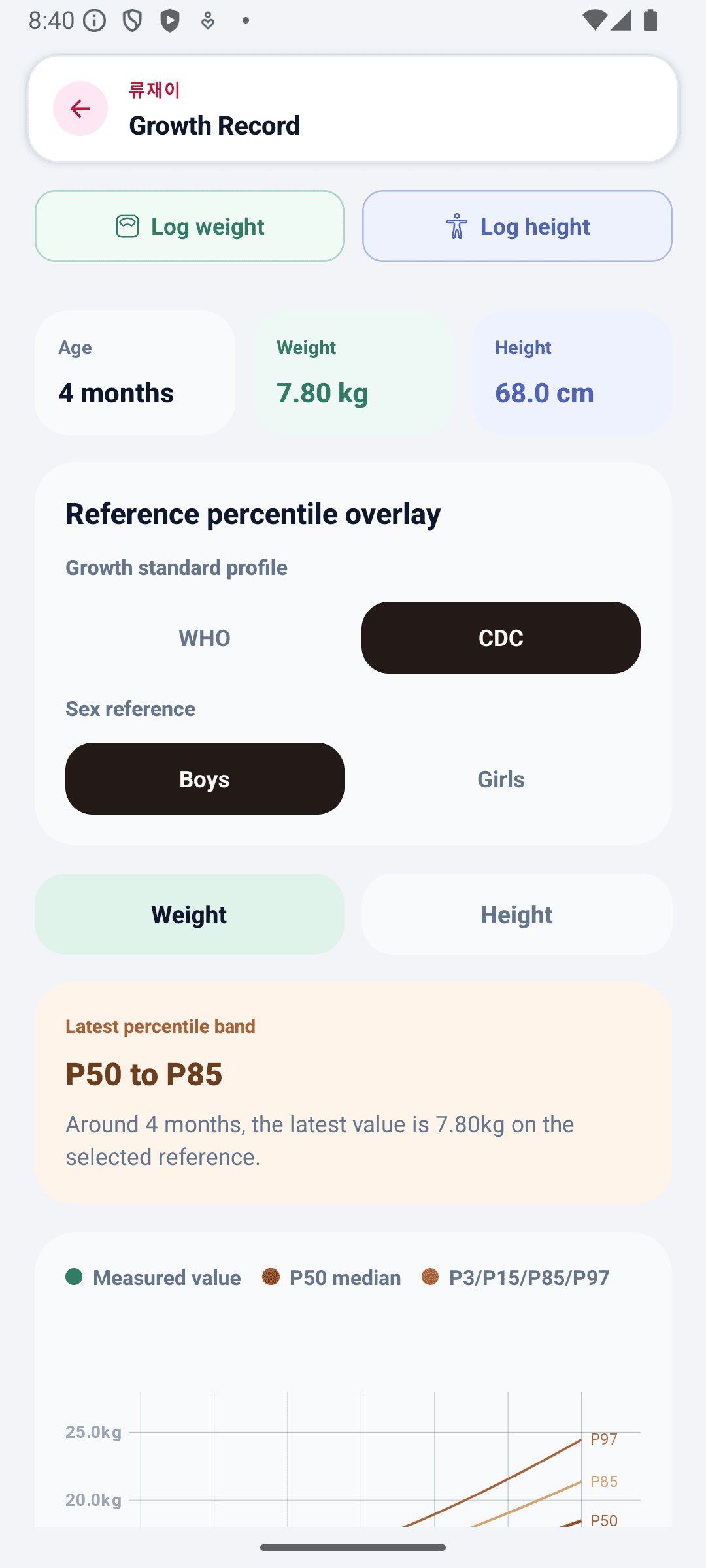
Vaccination D-day countdowns and growth records are available as home widgets.
BabyDaily home screen topBabyDaily home screen lowerBabyDaily home screen vaccination detailBabyDaily home screen milestone detailBabyDaily home screen growth detail
Record Tab

Quick entry, timer, and history all in one flow

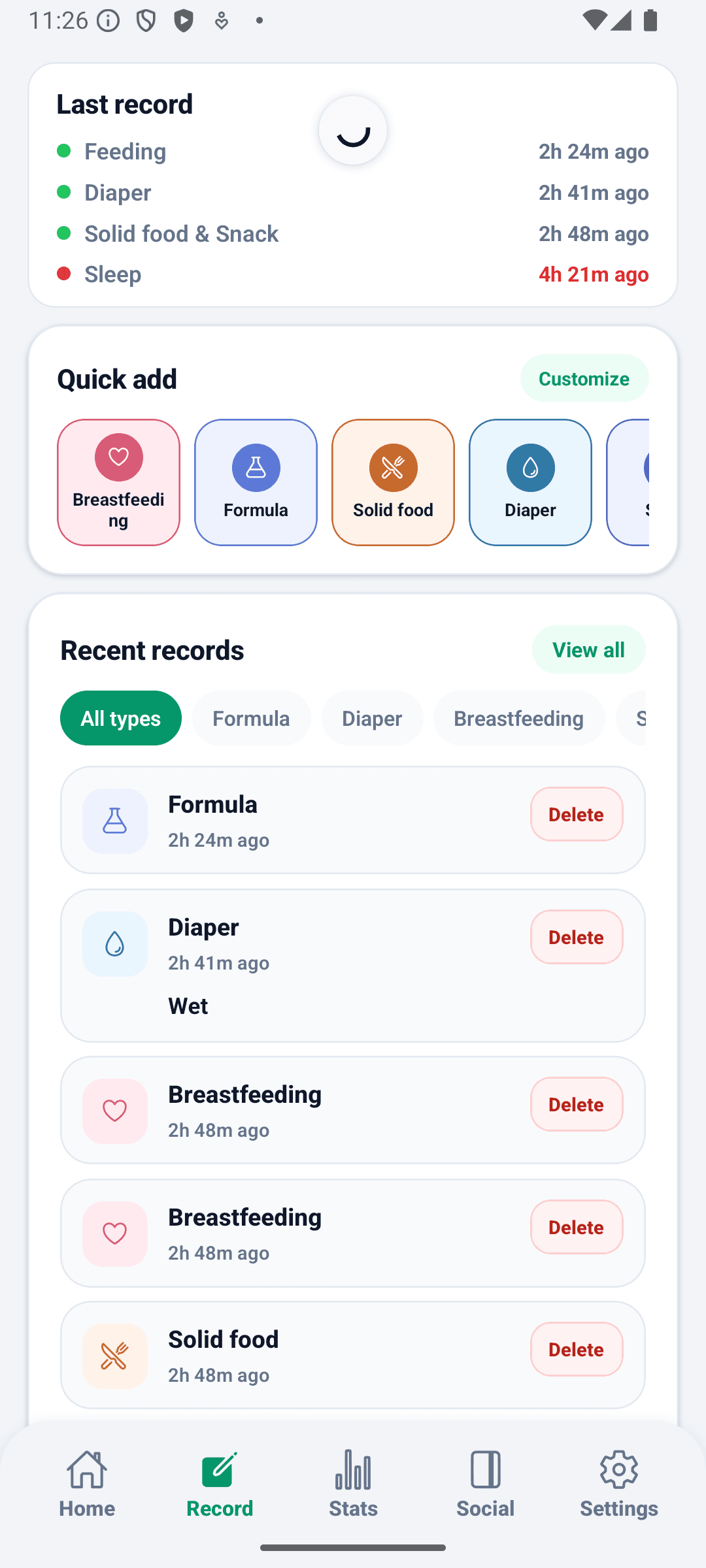
Open the tab and record feeding, diapers, or sleep immediately. Activity types like sleep and pumping run on start/stop timers. Past records are searchable and editable from the same screen.

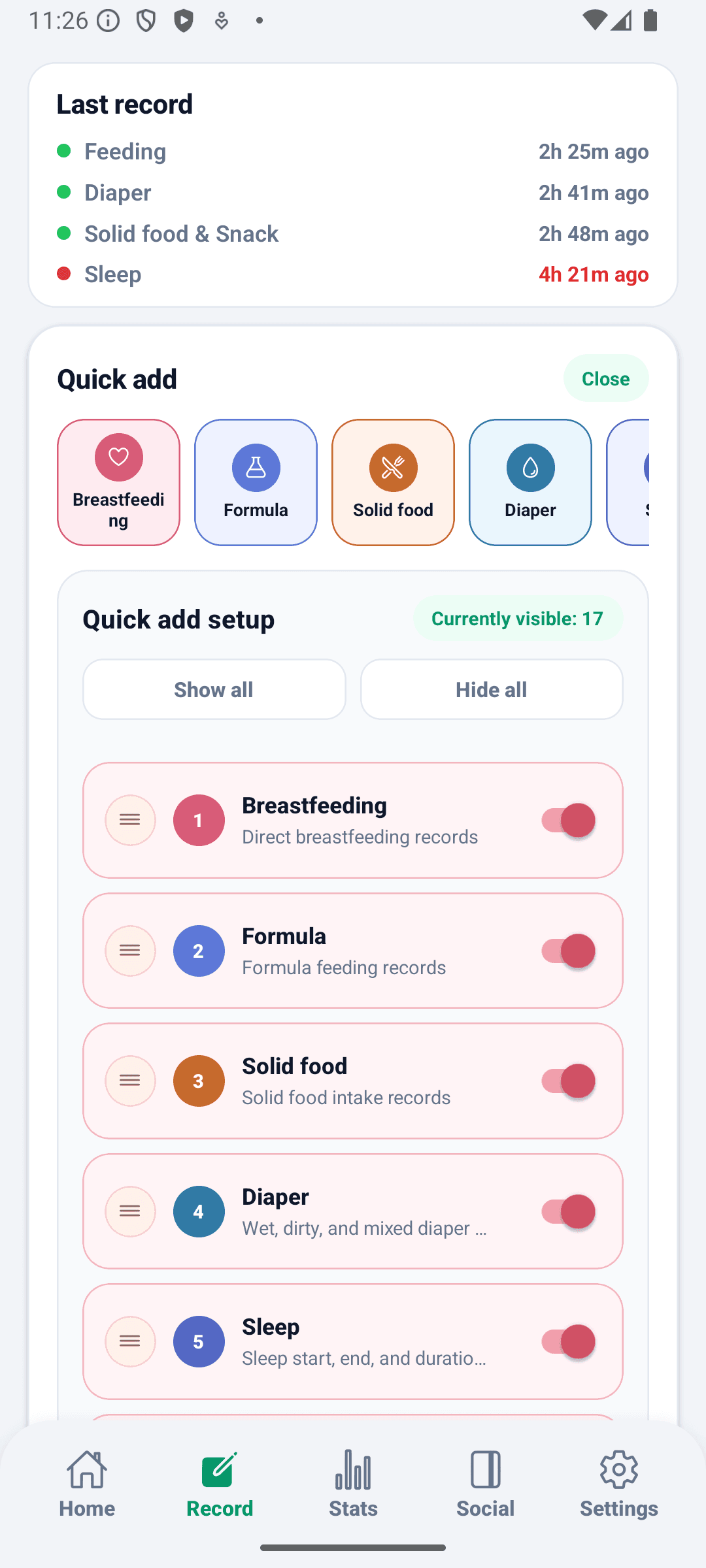
18 record types sit in configurable quick-action cards at the top of the screen.

Sleep, pumping, bath, play, and tummy time use start/stop timers to capture real duration.

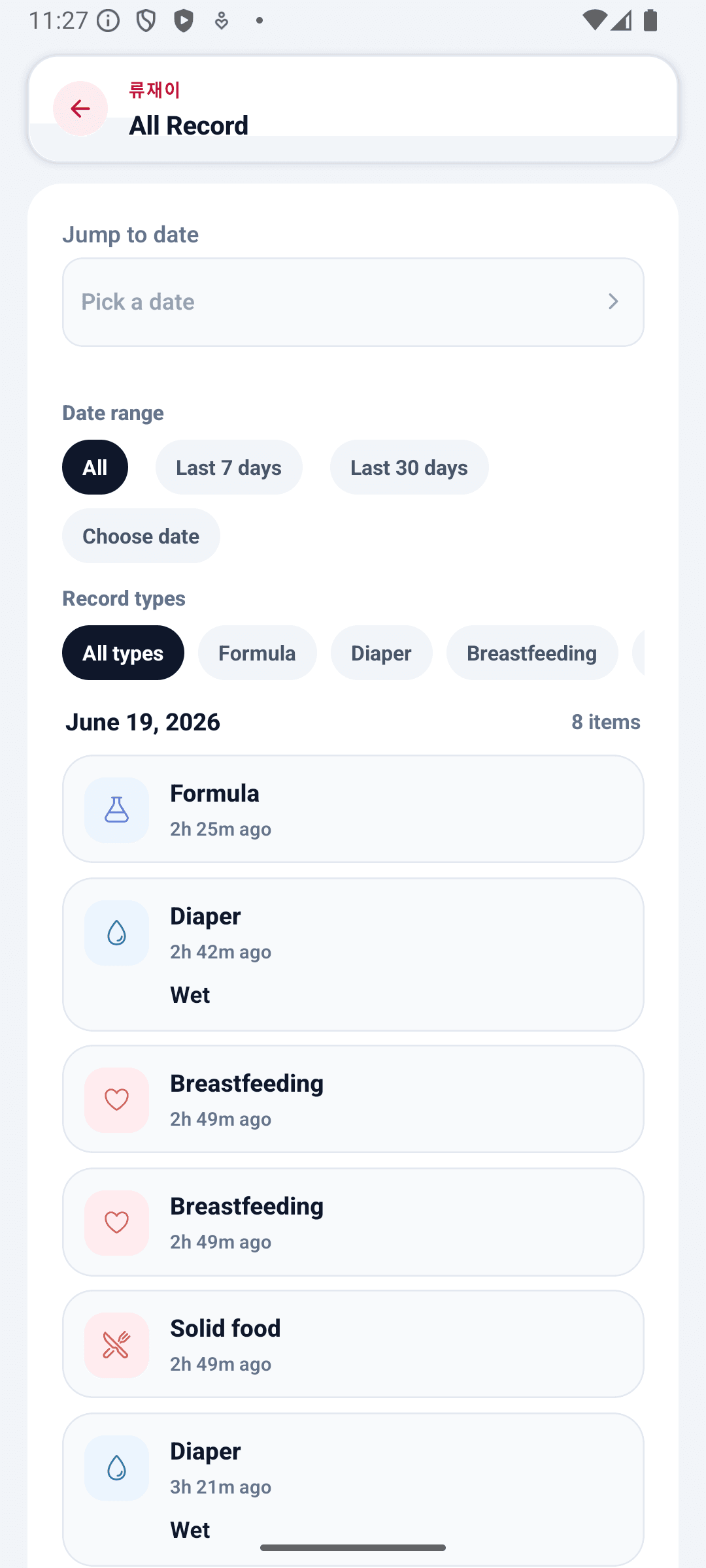
Date, type, and search filters bring up any past record for fast inline editing.

Other caregivers' records sync in real time, with explicit conflict resolution when needed.

BabyDaily record screen mainBabyDaily record screen quick add setupBabyDaily record screen all records
Stats Tab

Timetable, sleep rhythm, and WHO growth chart in one view

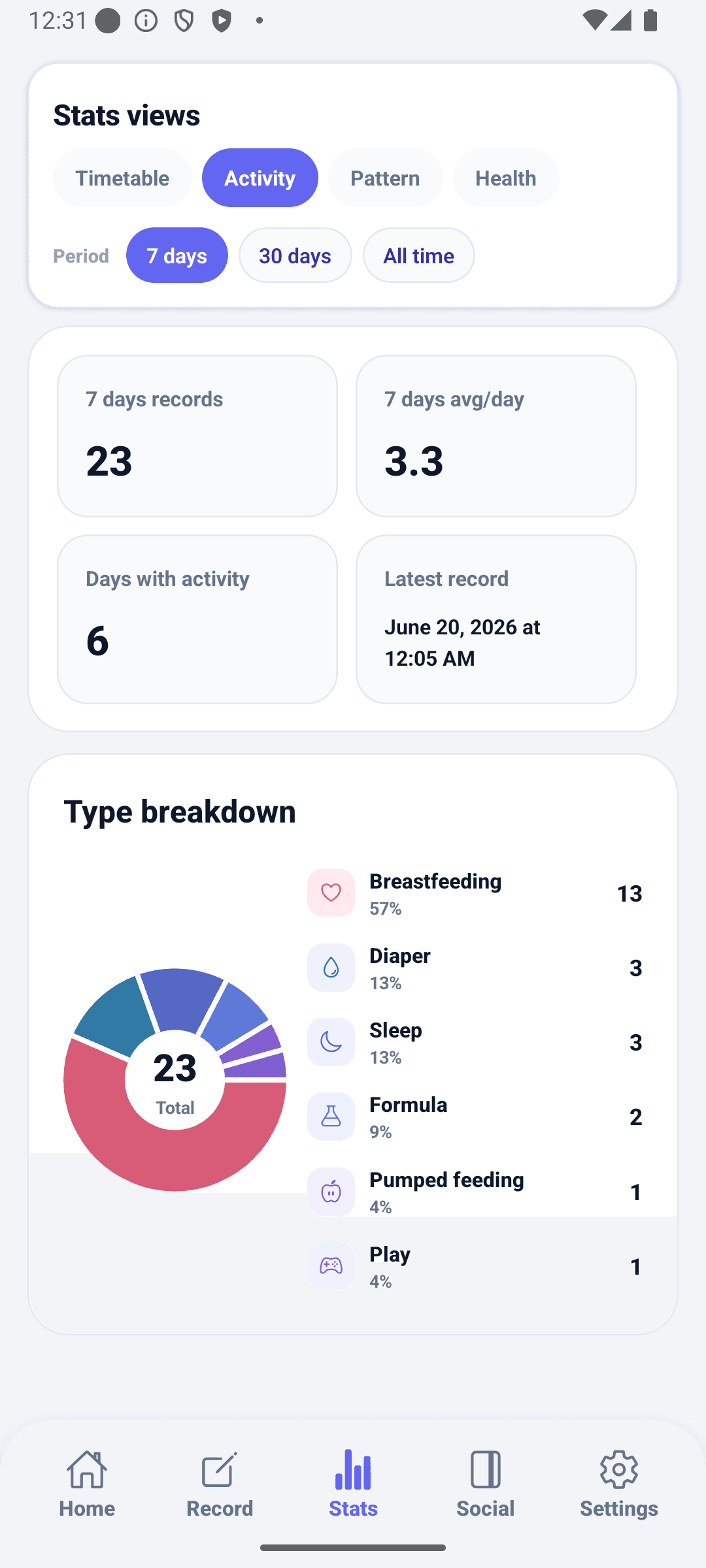
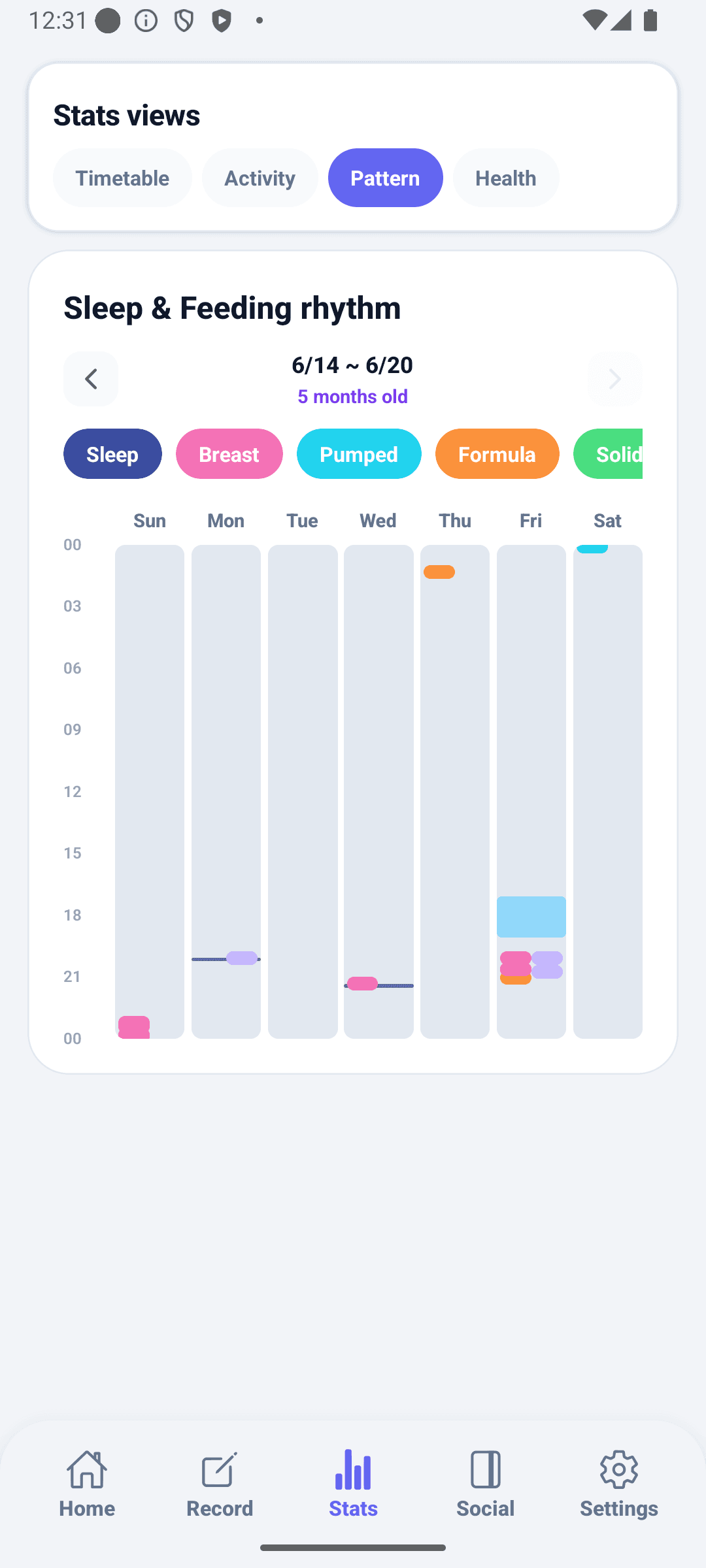
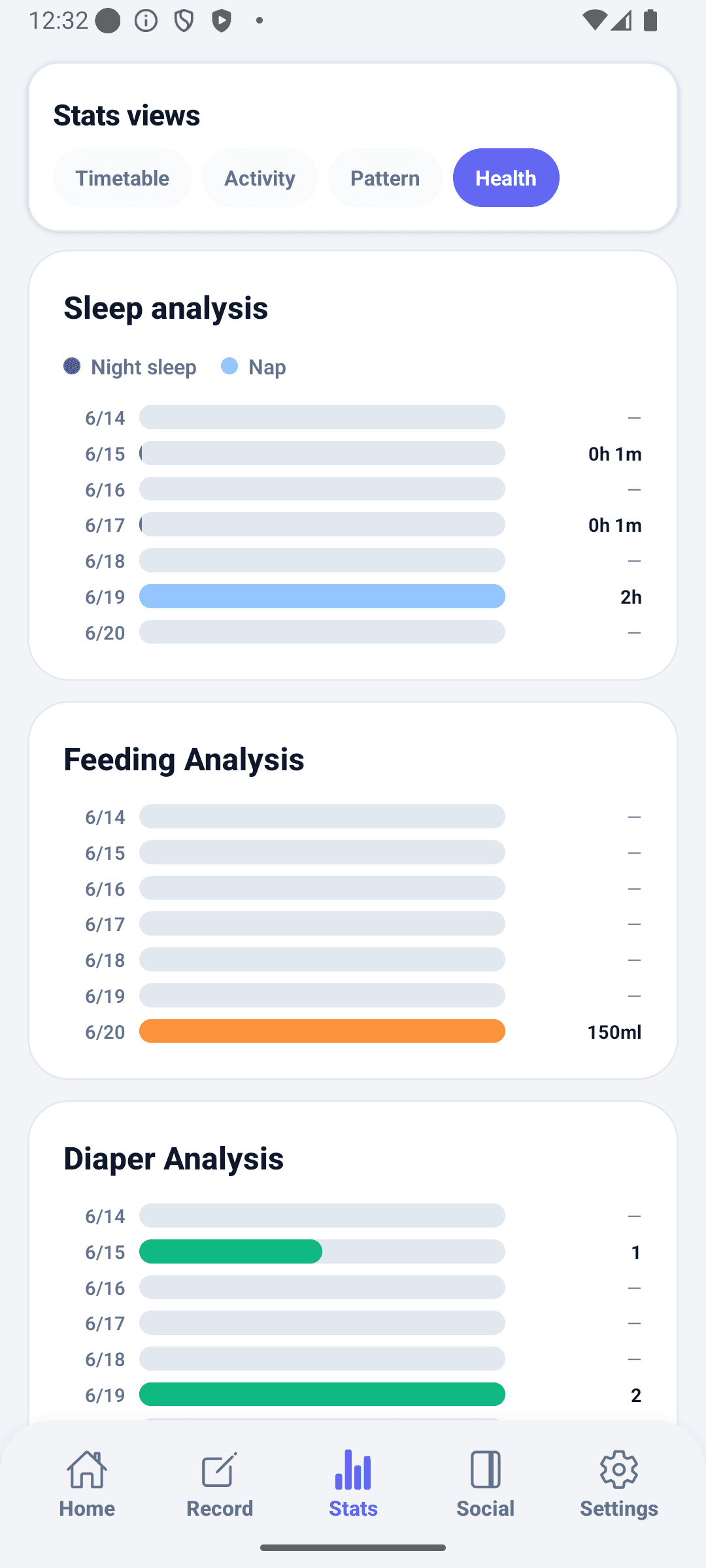
Switch between 7-day, 30-day, and all-time filters to separate short patterns from long trends. A daily timetable, activity distribution, sleep rhythm, and growth chart appear on the same screen.

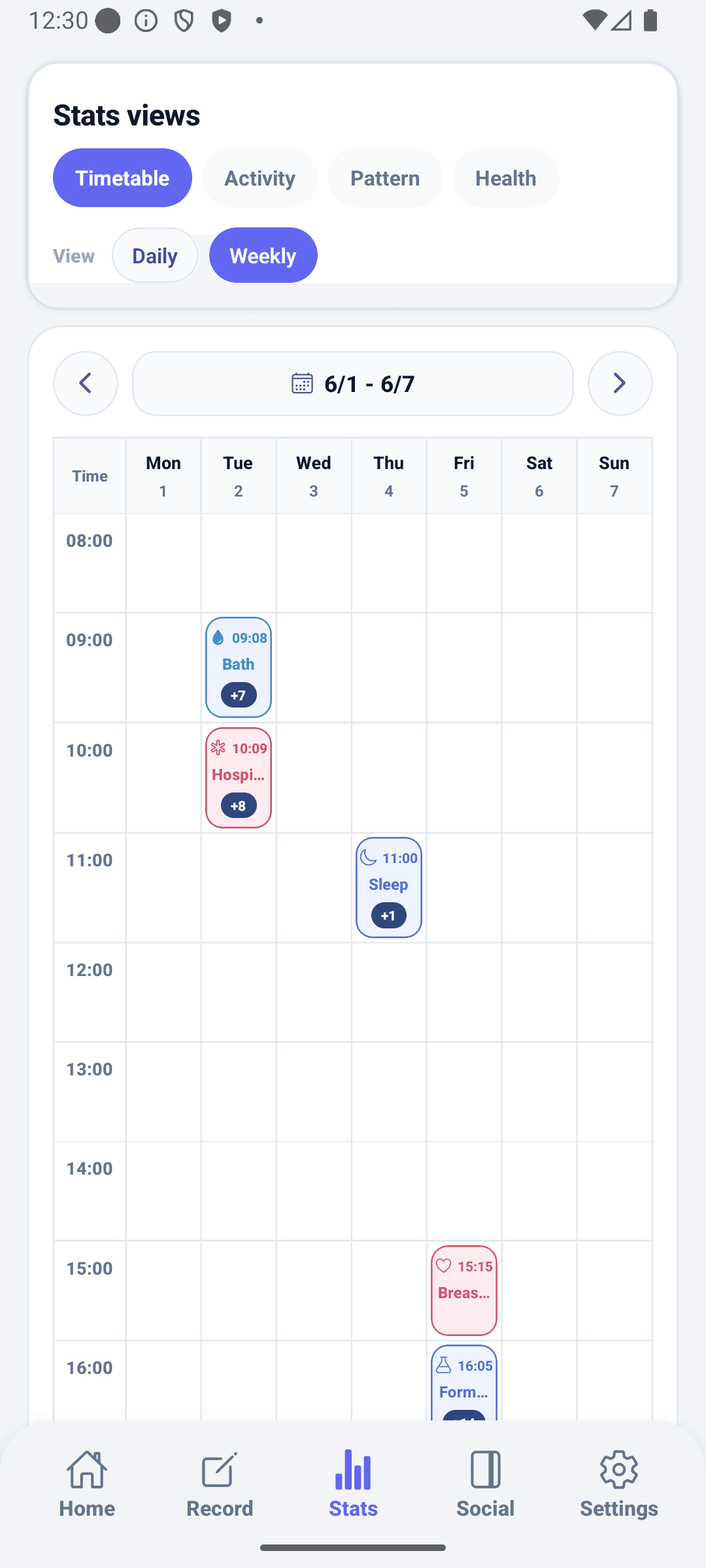
A 24-hour daily timetable visualizes feeding, sleep, and diaper patterns — records editable inline.

A donut chart shows activity type distribution so high-frequency activities stand out by period.

Sleep start and end times plotted as a rhythm view to track consistency over the last 7 days.

Weight and height charted over time alongside WHO percentile curves for comparison.

BabyDaily stats screen timetableBabyDaily stats screen activityBabyDaily stats screen patternBabyDaily stats screen health
Community Tab

Photo diary, community feed, and direct messages in one tab

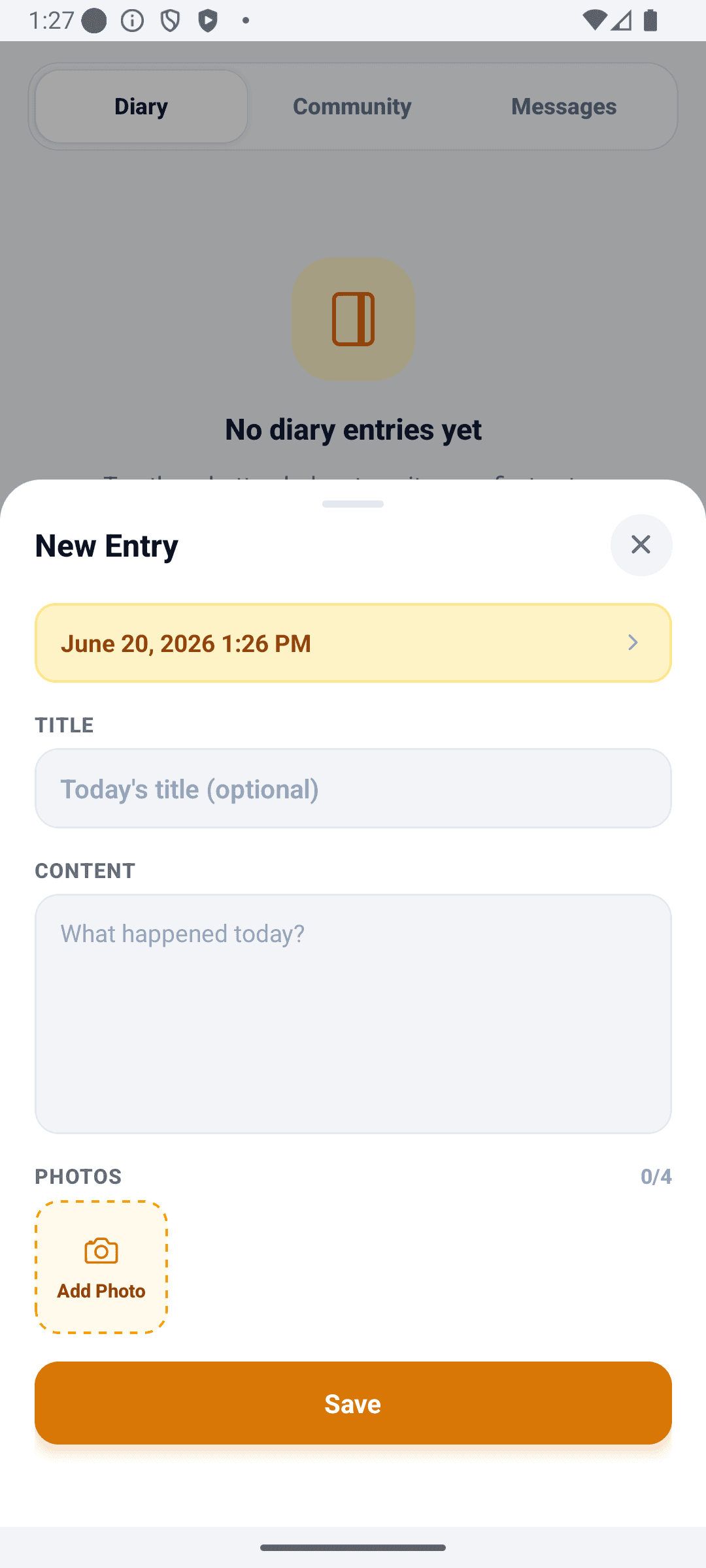
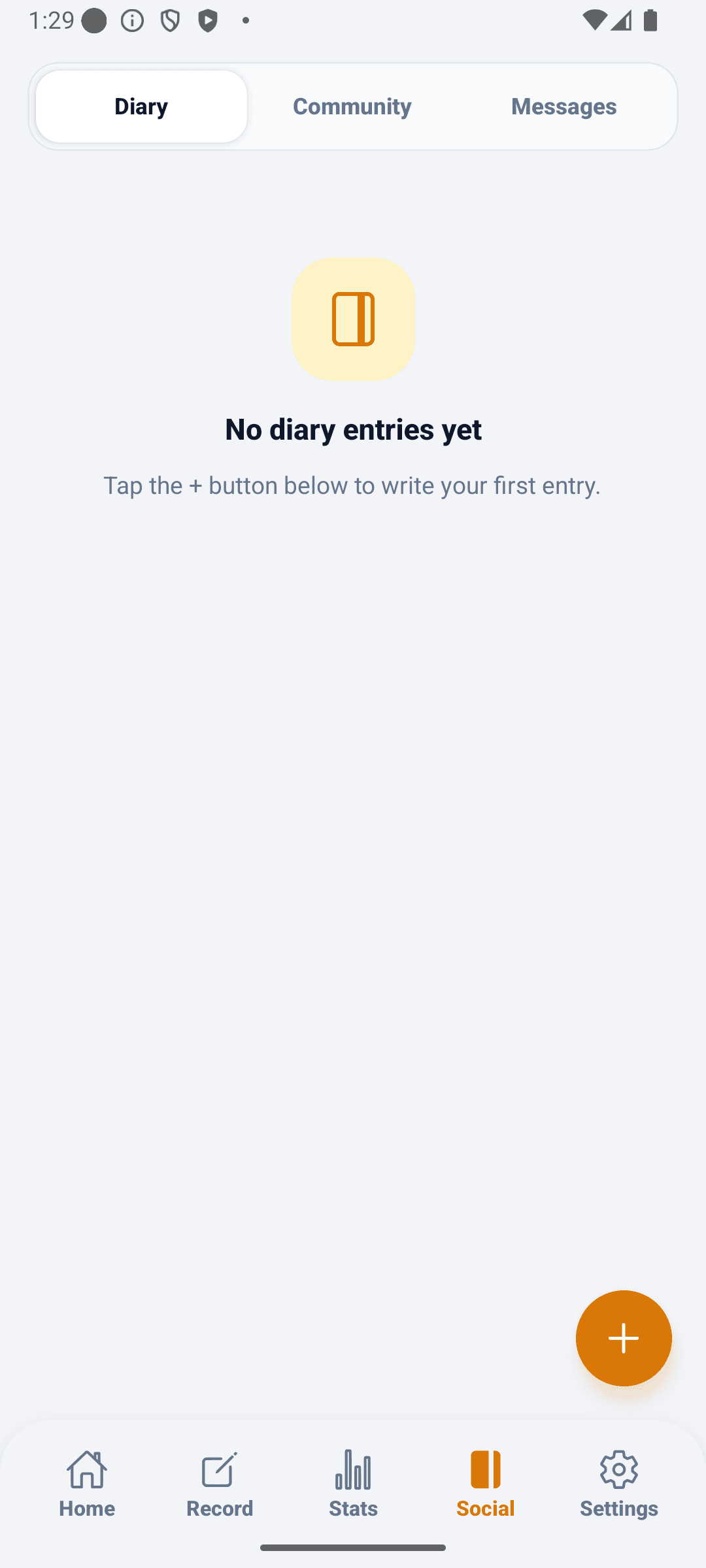
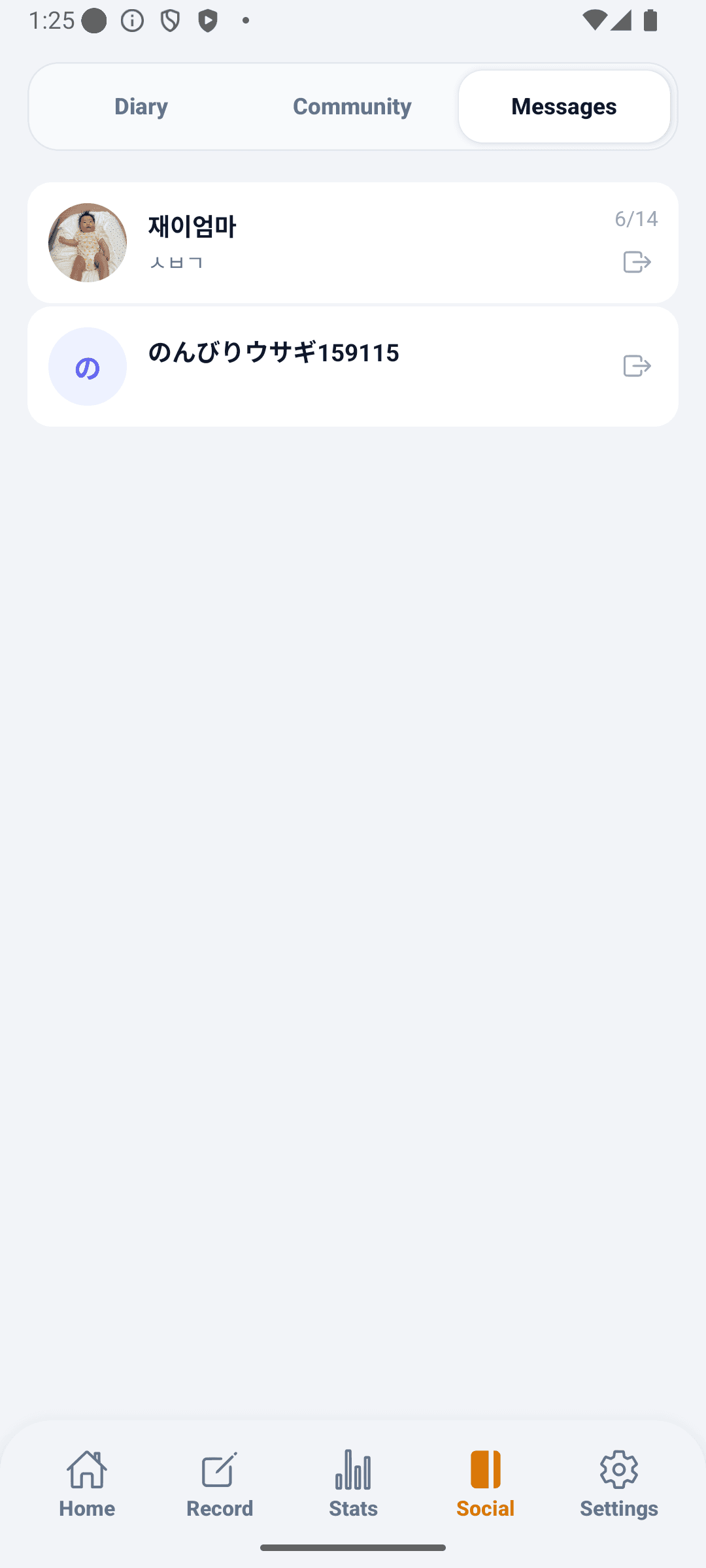
Write a photo diary of today's caregiving, browse community posts by category, and send direct messages to other caregivers — all from the same tab.

Up to 4 photos plus text make a daily diary entry, browsable later in a date-based photo grid.

Category and language filters surface relevant posts; reactions and comments keep conversations going.

Direct 1:1 messaging with other caregivers you connect with in the community.

Compose photo and text posts with category selection from a single composer screen.

BabyDaily diary screen new diaryBabyDaily diary screen community postBabyDaily diary screen messages
Settings Tab

Theme, language, caregiver sharing, and notifications in one place

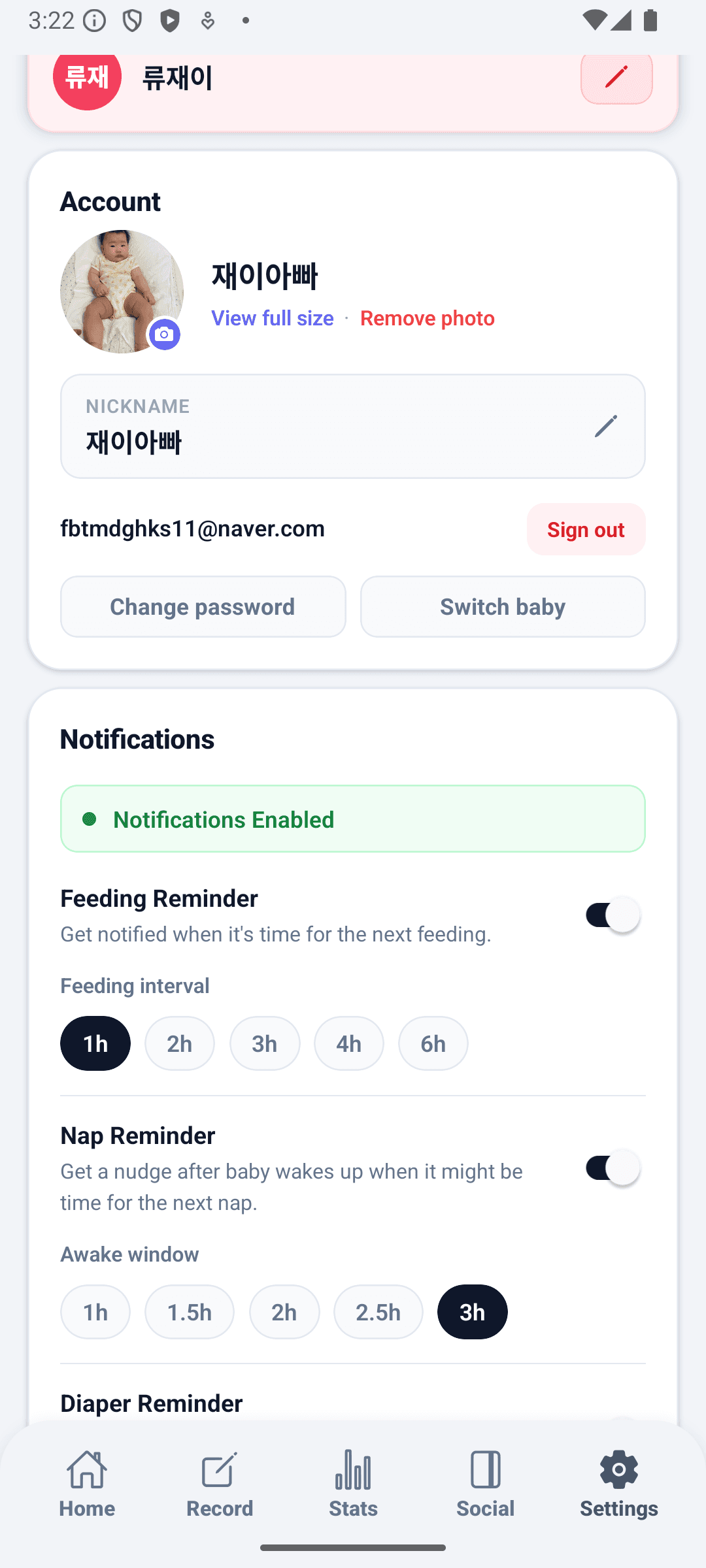
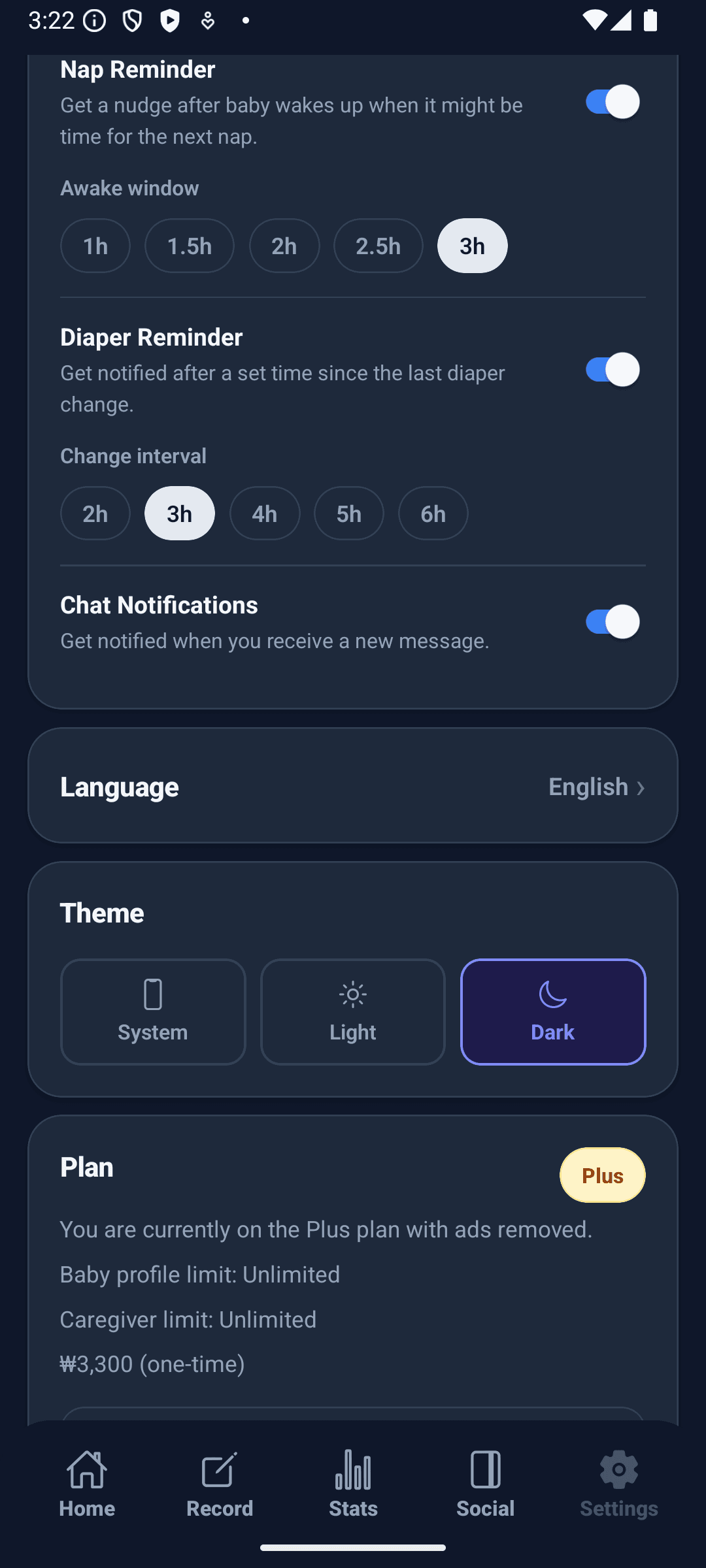
Switch between dark and light mode, choose your display language, invite caregivers, manage notifications, and check whether records are saved — all from settings.

Light, dark, and system-sync theme modes take effect across the whole app immediately.

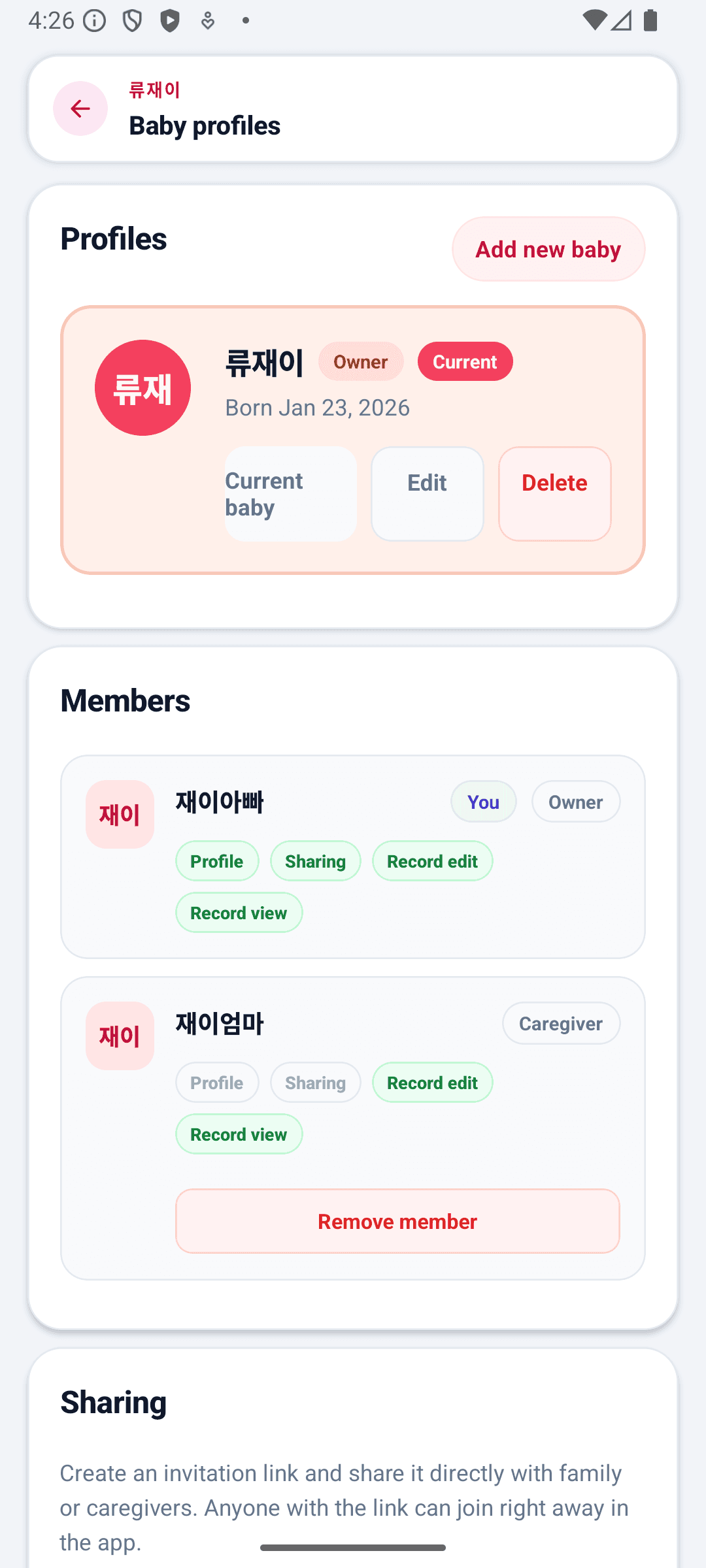
Invite family with a link so they can view or help manage your child's records.

Vaccination, milestone, and announcement notifications can be toggled individually.

When the internet is unstable, Settings lets you check whether records have been saved.

BabyDaily settings screen mainBabyDaily settings screen baby profileBabyDaily settings screen theme settings

Core Strengths

More than a tracker — a daily care partner

Dark mode, caregiver sharing, offline-first sync, and community are built in as first-class features. BabyDaily is designed to keep up with the full pace of daily baby care.

🌗

Dark / Light Mode

Choose light, dark, or system-sync and the whole app updates instantly. Night feedings are easier on the eyes.

👨‍👩‍👧

Caregiver Invite · Role Sharing

One invite link adds a caregiver. Assign caregiver or viewer roles to control who can add and edit records.

🔄

Offline-First Sync

Records never stop on a network drop. The app syncs automatically on reconnect and handles conflicts explicitly.

📔

Diary · Community · Messages

Keep a photo diary, share advice in the community feed, and chat directly with other caregivers — all in one app.